Appearance
Using our Online File Manager to manage your files
Our Online File Manager is a web-based tool that allows you to manage your files directly from your browser without the need for an FTP client. You can upload, download, edit, and organize your files easily.
Connecting to the File Manager
- In the Client Portal, select your Space and click "File Manager"
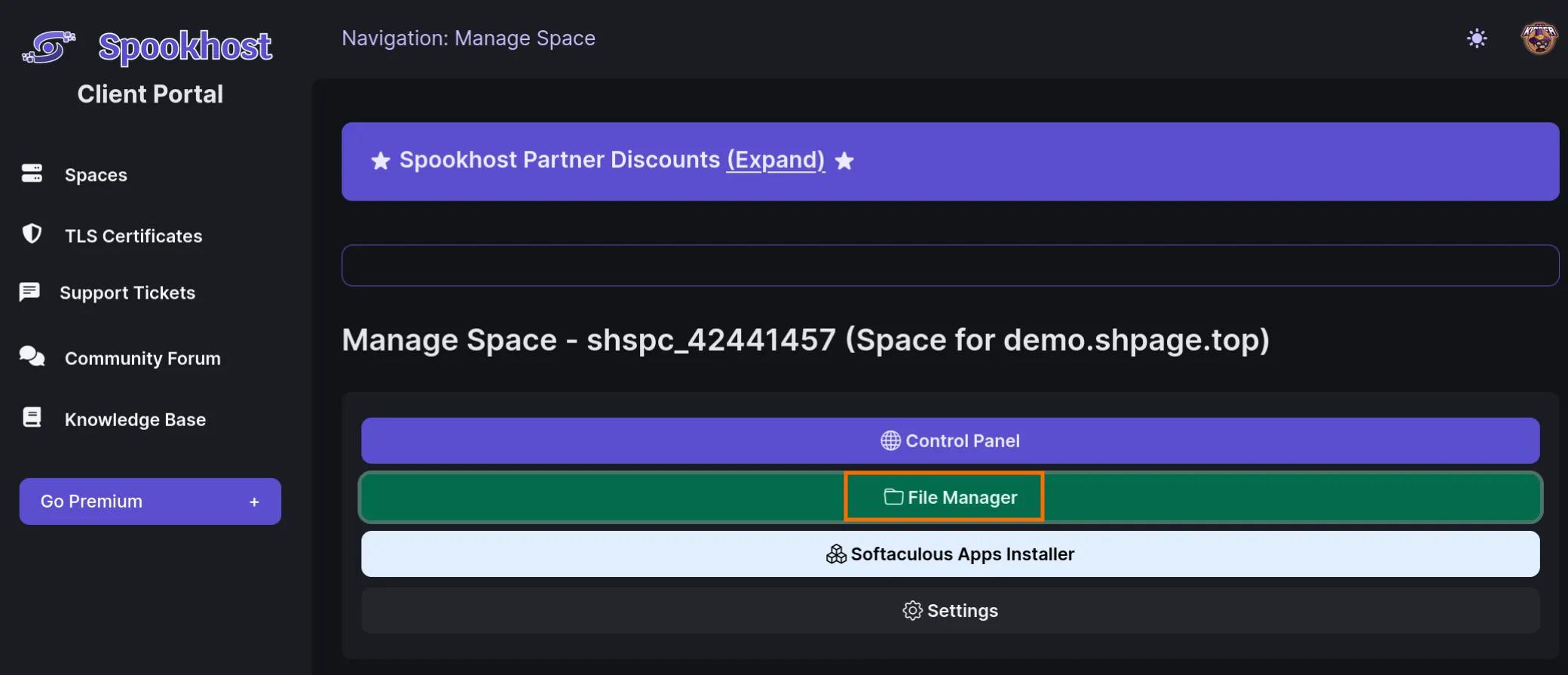
- Choose your domain.
- For your main domain, select "htdocs"
- For addon domains/subdomains added later, select the folder with the domain name and select "htdocs"
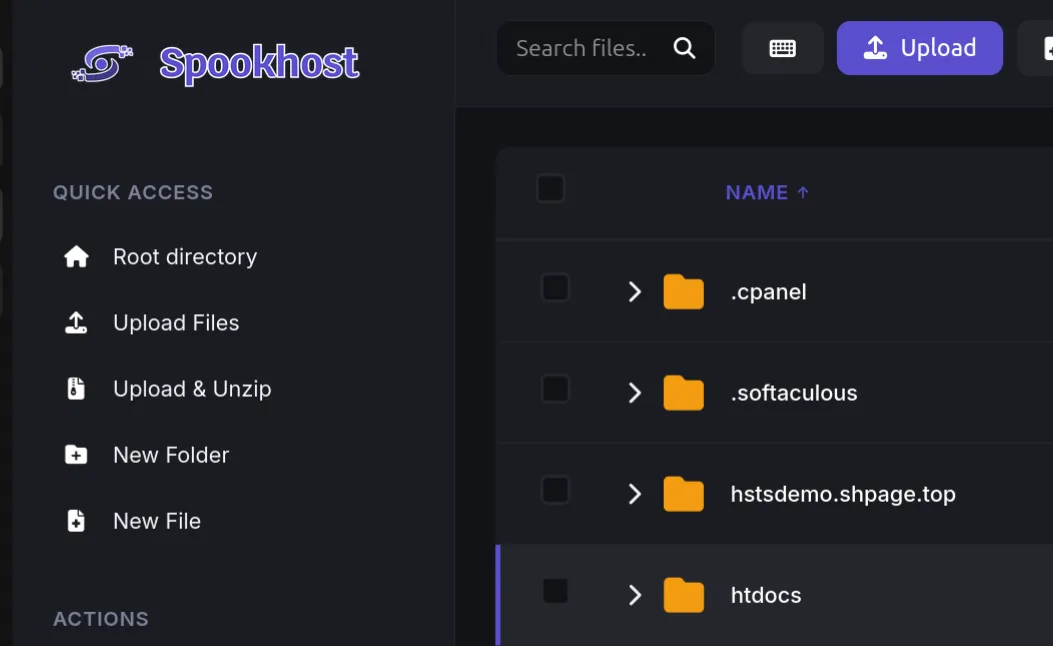
- Upload or edit your files.
- Default index pages are
index.php index.html index.htm index2.htmlWARNING
Make sure you are in a "htdocs" folder when uploading your files. If you upload your files to the wrong folder, your website will not work.
- Default index pages are
Controls of the File Manager
- Single click on a directory/folder to open it.
- Double click on a file to open it and edit it.
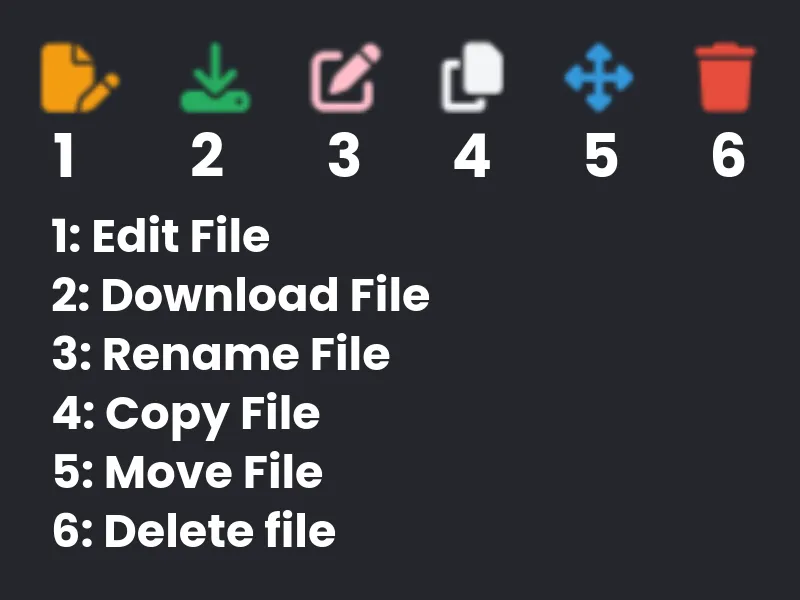
- Control Icons of Files
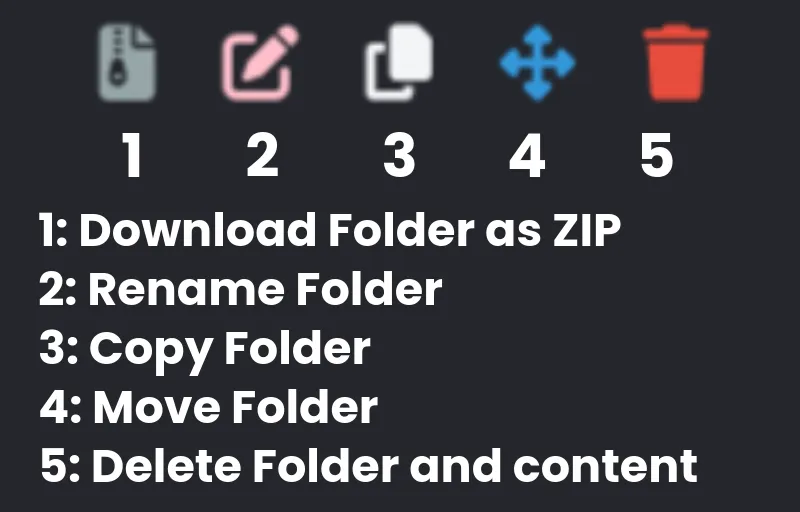
- Control Icons of Folders