Appearance
Using MySQL Databases
MySQL is a popular open-source relational database management system. It is widely used for web applications and is a key component of the LAMP (Linux, Apache, MySQL, PHP) stack.
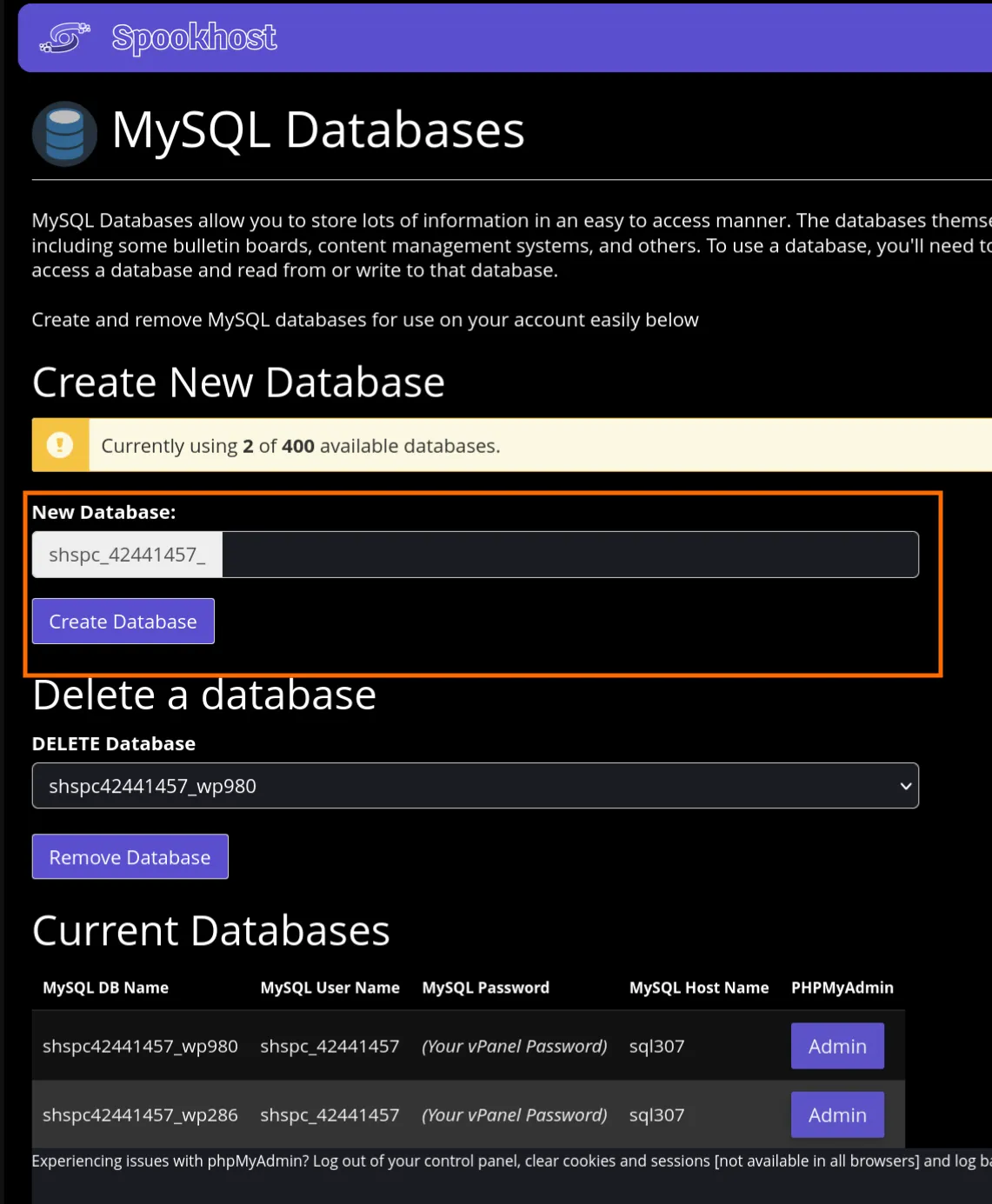
Creating a MySQL Database
- Log in to your Control Panel.
- Navigate to the "MySQL Databases" section.
- Enter a name for your new database in the "New Database" field.
- Click the "Create Database" button to create the database.
MySQL Details
- Hostname:
sqlXXX(shown in your Control Panel)- There is no need to put anything behind, simply use
sqlXXXas the hostname.
- There is no need to put anything behind, simply use
- Username: your space username
- Password: your space password
- Database Name:
spaceusername_[the name you created]
INFO
You may only use MySQL databases in Spookhost's infrastructure. External MySQL database connections are not supported.
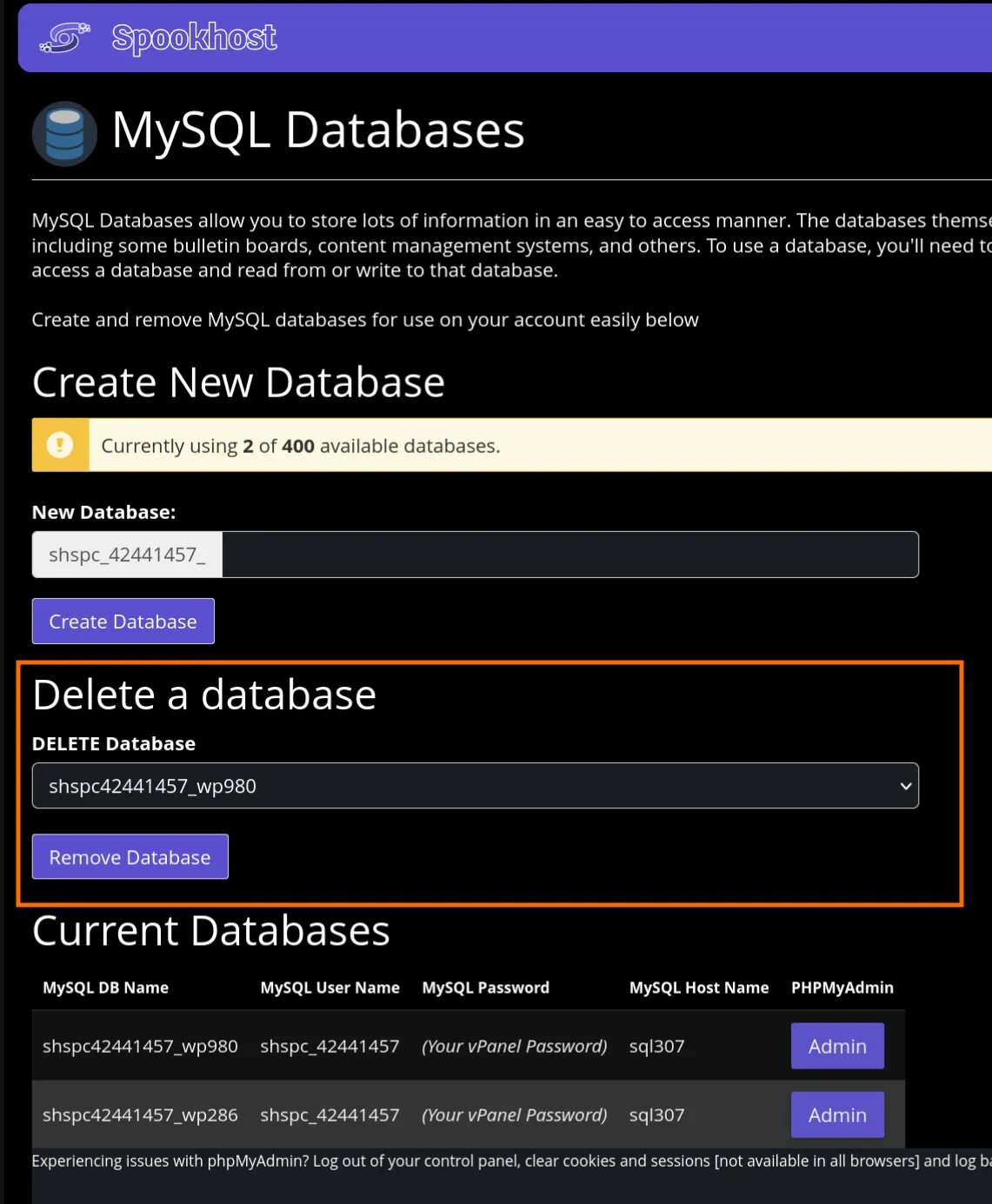
Deleting a MySQL Database
- Log in to your Control Panel.
- Navigate to the "MySQL Databases" section.
- Select the database you want to delete from the list of existing databases.
- Click the "Remove Database" button.